

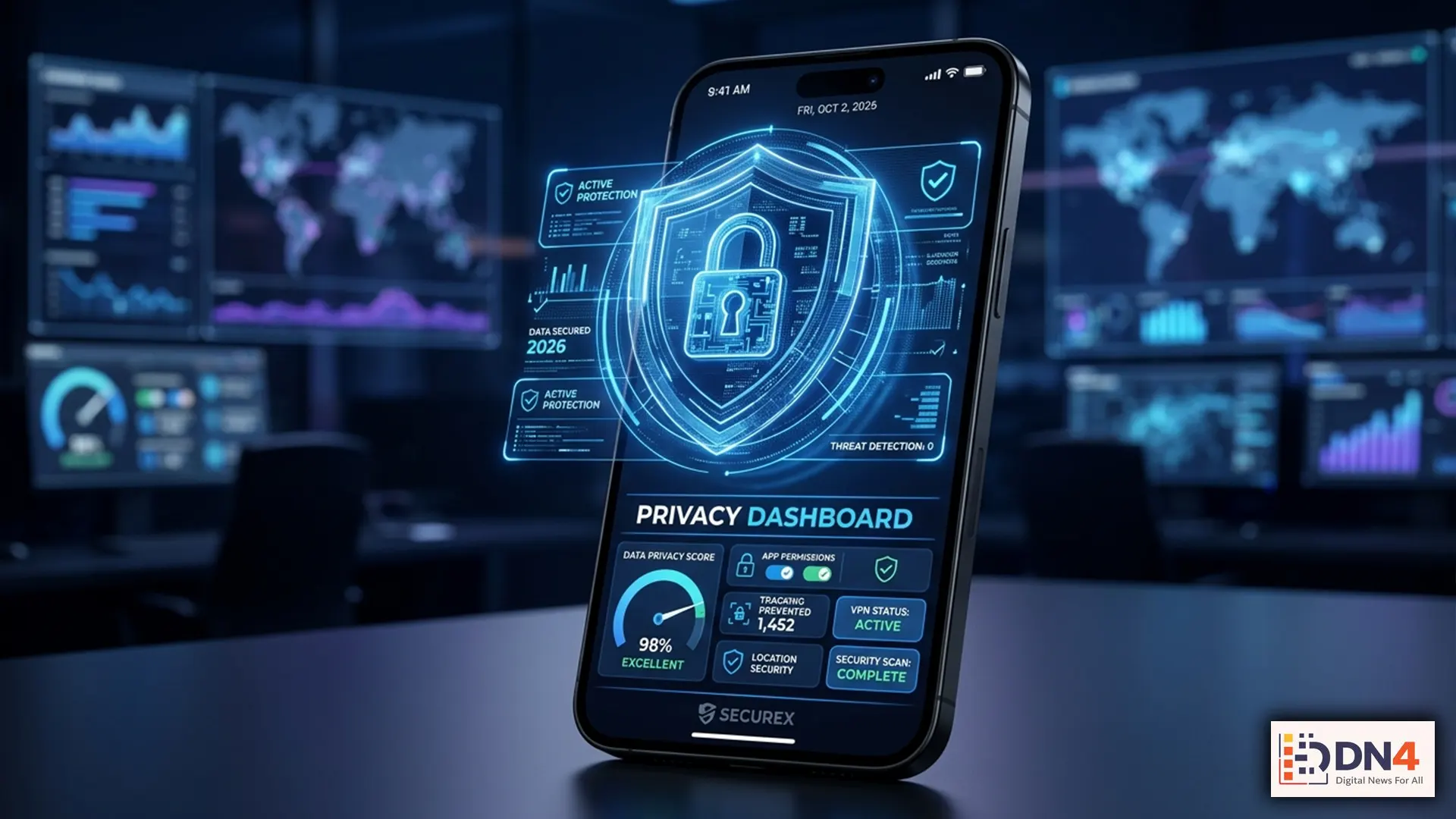
Your smartphone knows more about you than almost any other device. From location history and browsing habits to banking information and personal messages, phones have become digital vaults of sensitive information. As cyber threats become increasingly sophisticated in 2026, reviewing your privacy settings is no longer optional—it’s essential.
According to leading cybersecurity experts, many users unknowingly leave critical permissions enabled, exposing personal data to apps, advertisers, and even cybercriminals. This privacy checklist highlights five settings every smartphone user should review today.
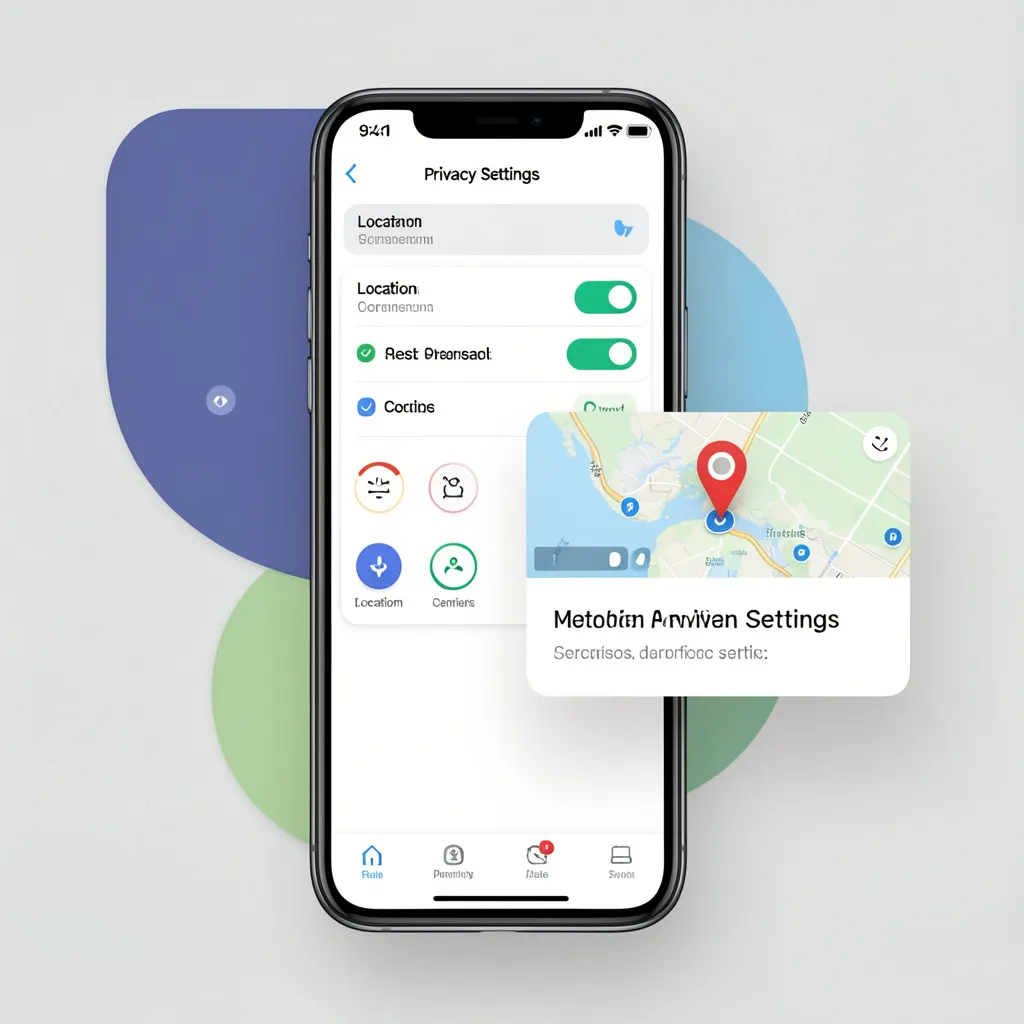
1. Limit App Location Access
Many apps continuously track your location even when they’re not actively being used. Review each application’s permissions and select “While Using the App” whenever possible.
Both Apple Privacy Controls and Android Privacy Settings allow users to manage location sharing with greater precision.
2. Disable Ad Tracking
Advertising networks build detailed user profiles based on app activity and browsing behavior. Turning off ad personalization significantly reduces cross-platform tracking.
Check your device’s advertising settings and reset your advertising identifier regularly for enhanced privacy.

3. Review Microphone and Camera Permissions
Many applications request access to your microphone and camera without a clear need. Regularly audit permissions and revoke access for apps that do not require these features.
Privacy dashboards introduced in modern operating systems provide detailed visibility into which apps have recently accessed sensitive sensors.
4. Enable Two-Factor Authentication (2FA)
Passwords alone are no longer enough. Enabling multi-factor authentication adds an additional security layer that significantly reduces account takeover risks.
Whenever possible, use authentication apps instead of SMS-based verification methods.
5. Turn On Automatic Security Updates
Software updates frequently contain patches for newly discovered vulnerabilities. Delaying updates can leave devices exposed to known security threats.
Organizations such as the National Institute of Standards and Technology recommend keeping operating systems and applications fully updated.
Bonus Privacy Tips for 2026
- Use a password manager for unique credentials.
- Remove unused applications regularly.
- Enable device encryption.
- Avoid public Wi-Fi without a trusted VPN service.
- Review connected devices and active sessions monthly.
Why Mobile Privacy Matters More Than Ever
Data has become one of the world’s most valuable assets. Companies collect behavioral insights, advertisers build detailed profiles, and cybercriminals actively target personal information. Taking just a few minutes to review these settings can dramatically reduce your exposure to privacy risks.
As digital ecosystems continue to evolve, proactive privacy management remains one of the most effective ways to maintain control over your personal information.
The strongest defense against data misuse begins with awareness and proper configuration. By updating these five essential phone settings, you can strengthen your digital privacy posture and better protect your personal information throughout 2026 and beyond.
#PrivacyChecklist #PhonePrivacy #DataProtection #CyberSecurity #OnlinePrivacy #SmartphoneSecurity #DigitalSafety #TechTips #PrivacyMatters