

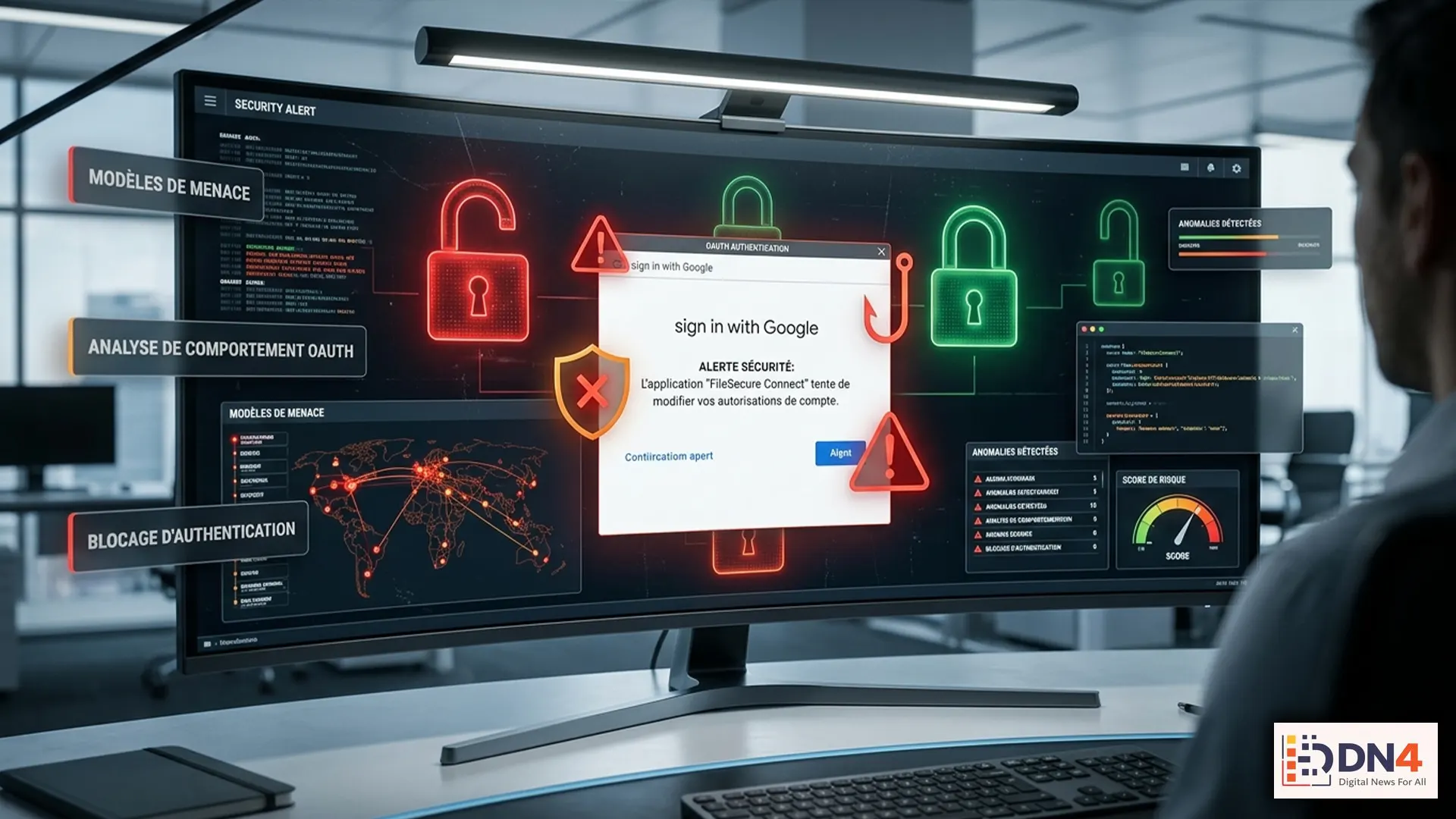
Cybersecurity experts are warning users about a growing wave of OAuth phishing scams designed to trick people into granting attackers access to their online accounts. Unlike traditional phishing attacks that simply steal passwords, OAuth scams exploit trust-based permission systems to gain access through seemingly legitimate login and authorization requests.
These attacks are becoming more sophisticated because they often look like normal security notifications, workplace invitations, or third-party application requests. Instead of asking victims to enter a password directly, attackers manipulate users into approving access permissions that can expose sensitive information.
What Is an OAuth Phishing Attack?
OAuth is a technology standard that allows users to authorize applications to access certain information without sharing their passwords. For example, a user may allow a productivity app to connect with a cloud account or calendar service.
OAuth itself is not a security problem. The danger comes when criminals create fake applications, misleading permission screens, or fraudulent login pages designed to convince users to approve access.
Organizations such as Cybersecurity and Infrastructure Security Agency (CISA) and Federal Trade Commission provide guidance on recognizing phishing attempts and protecting digital accounts.
How OAuth Phishing Scams Work
A typical OAuth phishing attack follows several steps:
- An attacker creates a fake application or impersonates a trusted service.
- The victim receives an email, message, or notification containing a link.
- The link opens a realistic-looking authorization page.
- The user approves permissions without realizing what access is being granted.
- The attacker gains access to account data or connected services.
Why These Attacks Are Dangerous
OAuth scams can bypass traditional password security because the victim may willingly authorize access. Even users who follow good password practices can become targets if they approve malicious permissions.
A compromised OAuth connection may allow attackers to access emails, cloud files, contacts, business documents, or other connected services depending on the permissions granted.
Security organizations including Microsoft Security and Google Safety Center regularly highlight the importance of reviewing account access and protecting against suspicious authentication activity.
Warning Signs You Should Watch For
- Unexpected app permission requests.
- Messages urging immediate approval of account access.
- Unknown applications requesting sensitive permissions.
- Login pages with unusual website addresses.
- Emails claiming your account will be closed unless you act quickly.
How to Protect Yourself
The best defense against OAuth phishing is careful permission management and digital awareness.
- Only approve applications from trusted developers.
- Review connected apps regularly and remove suspicious access.
- Enable multi-factor authentication where available.
- Avoid clicking login links from unexpected messages.
- Verify the website address before approving permissions.

Businesses Face Additional Risks
Companies are increasingly targeted because OAuth permissions can provide access to valuable workplace data. Organizations should monitor connected applications, educate employees, and implement strong identity management policies.
Cloud-based work environments require continuous security monitoring because a single compromised account can affect multiple connected systems.
The Future of Authentication Security
As digital services become more connected, attackers will continue searching for ways to exploit trust. OAuth phishing demonstrates that cybersecurity is no longer only about protecting passwords — it is about understanding every permission granted in the digital ecosystem.
Users who stay informed, review account activity, and carefully evaluate authorization requests can significantly reduce their risk of becoming victims of these evolving scams.
#CyberSecurity #OAuth #PhishingScams #OnlineSafety #DataProtection #Privacy #CyberThreats #AccountSecurity #TechNews