

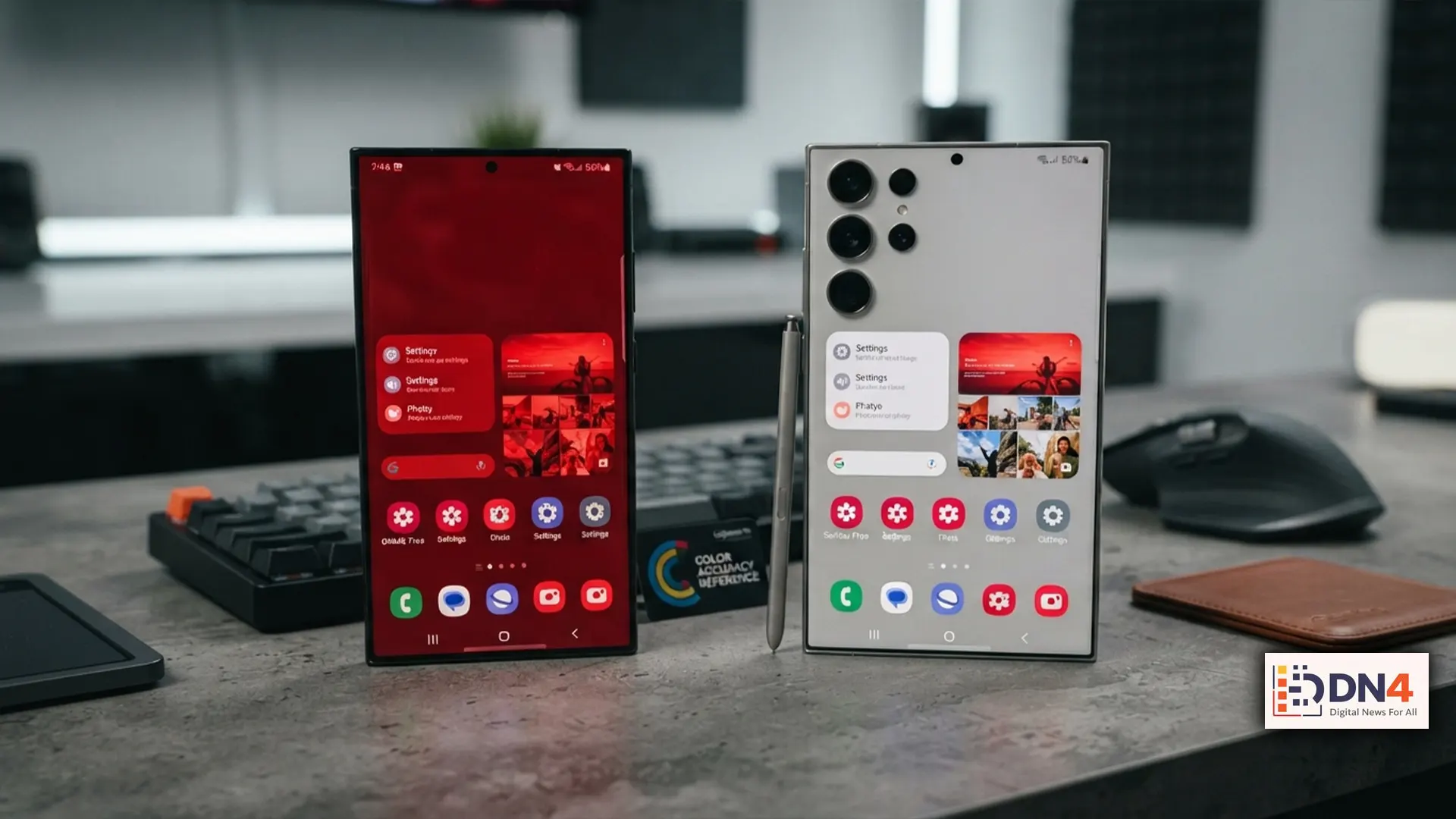
Reports of a noticeable red tint affecting some Samsung Galaxy S26 Ultra devices have sparked concern among early adopters. Some users believe the issue is linked to the phone’s new privacy-focused display technology. Others worry it may indicate a hardware defect. As discussions spread across online forums, the biggest question remains: can Samsung fix the problem with a software update, or will affected devices require replacement?
At the time of writing, Samsung has not officially confirmed a widespread hardware issue. However, similar display-related problems have occasionally been resolved through firmware updates on previous Galaxy devices.
What Is the Red Tint Issue?
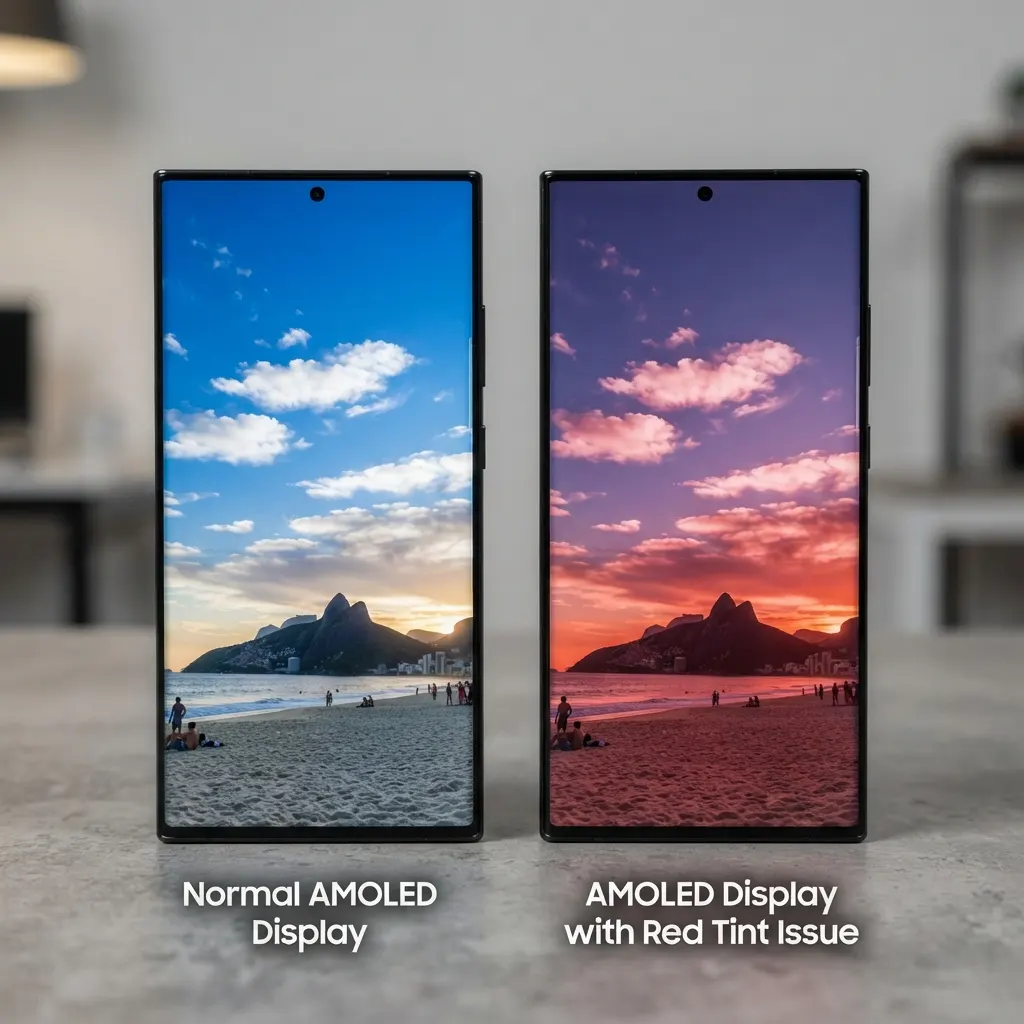
Users reporting the problem describe an unusual reddish hue across the display, especially at low brightness levels or when using Dark Mode. Some claim the color shift appears only under specific lighting conditions, while others say it persists regardless of brightness settings.
Could It Be a Software Bug?
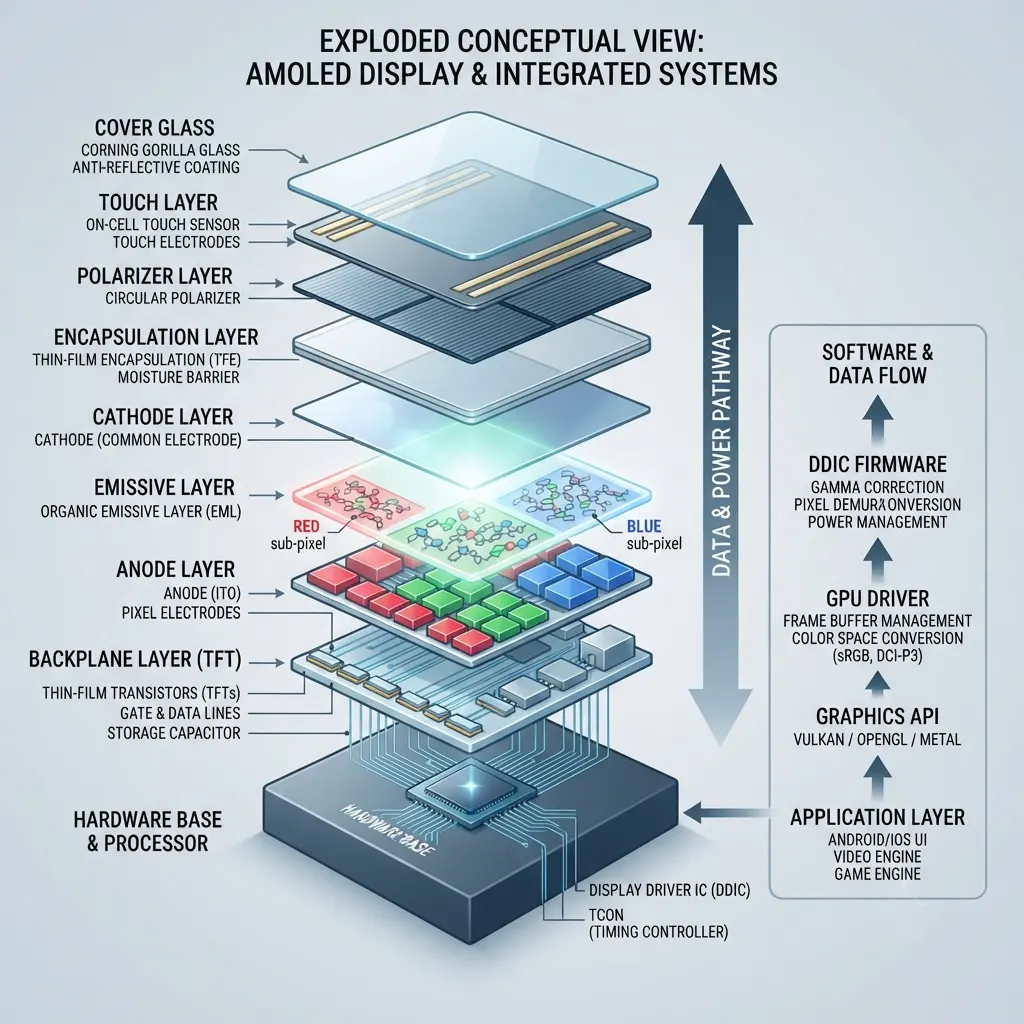
There are several reasons to believe the issue could be software-related. Samsung frequently adjusts AMOLED color calibration through One UI software updates. Display drivers, color profiles, HDR optimization, and adaptive color management can all be modified without replacing hardware.
If the red tint stems from incorrect calibration or a firmware conflict, Samsung could potentially resolve it through a future software update delivered via Samsung Security Updates.
When Hardware May Be the Culprit
If only a limited number of production units exhibit the issue while others remain unaffected, manufacturing inconsistencies could be responsible. Defects in AMOLED panels, display bonding, or calibration at the factory sometimes lead to permanent color inaccuracies that software cannot correct.
Industry testing organizations such as DXOMARK and display analysts at DisplayMate often evaluate these differences once new flagship smartphones become widely available.
What Should Owners Do?
- Install the latest available software updates.
- Test different display modes and color profiles.
- Compare your screen with another Galaxy S26 Ultra if possible.
- Document the issue with photos before contacting support.
- If the tint persists, reach out to Samsung Support to determine warranty or replacement options.
Without an official technical explanation, it’s too early to conclude whether the Galaxy S26 Ultra’s reported red tint represents a software calibration bug or isolated hardware defect. Early evidence suggests that both scenarios remain possible. Users should monitor Samsung’s official announcements while ensuring their devices are fully updated.
#GalaxyS26Ultra #Samsung #Android #OneUI #AMOLED #TechNews #Smartphones #DisplayIssue