

 By Vinod Ram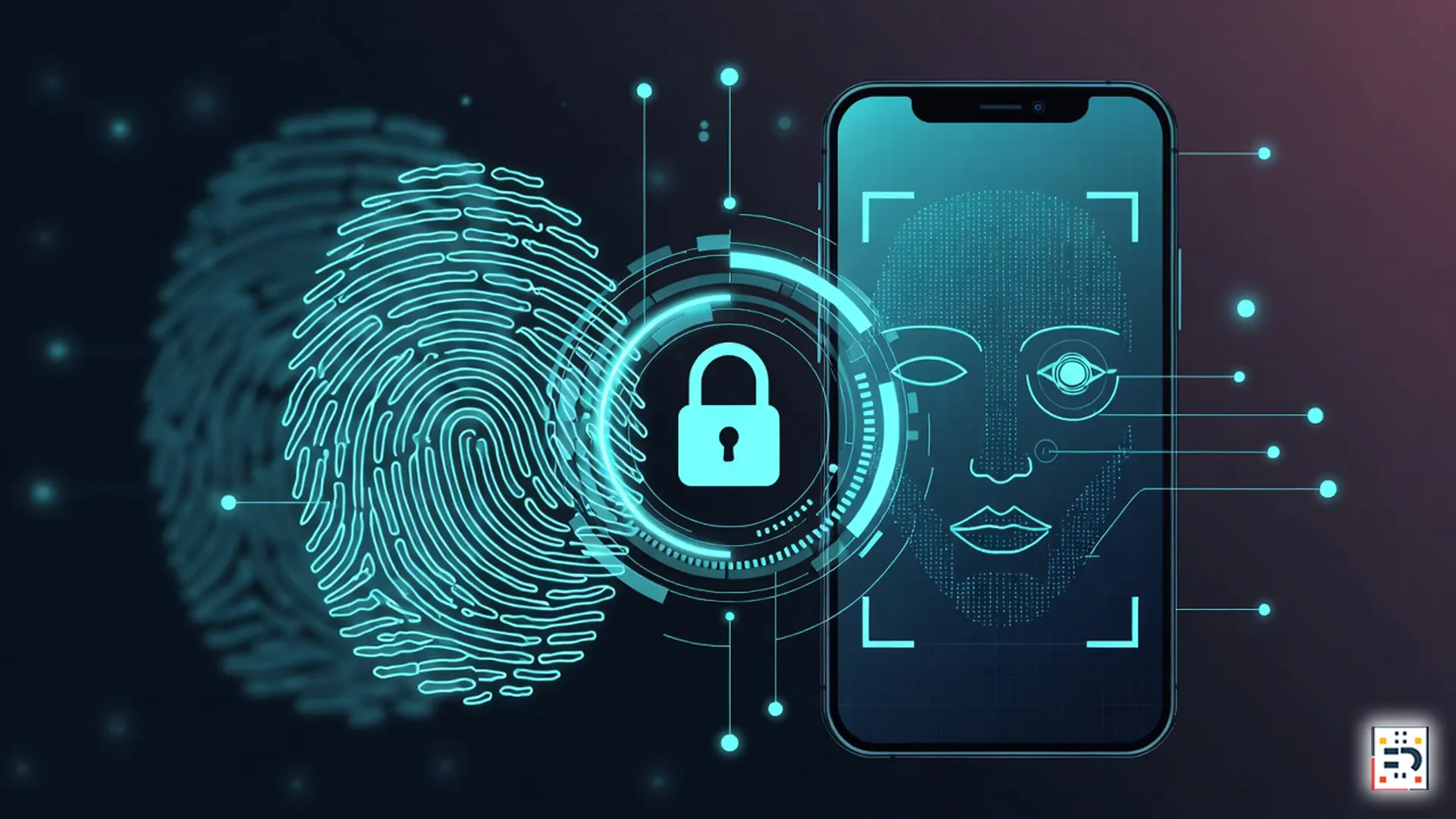
Passwords are officially becoming obsolete. In the wake of large-scale biometric rollouts — including recent enterprise moves by Fujitsu’s biometric authentication systems — consumers are increasingly looking for practical ways to secure their personal data.
Enter passkeys: a passwordless login method designed to be safer, faster, and far more resistant to hacking. In 2026, passkeys are no longer experimental — they’re quickly becoming the default.
What Are Passkeys (and Why They’re Safer Than Passwords)
Passkeys are a modern authentication standard developed by the FIDO Alliance. Instead of relying on something you remember (a password), passkeys use public-key cryptography tied to your device.
In simple terms:
- You unlock accounts using biometrics (fingerprint, face scan) or a device PIN
- No password is transmitted or stored on a server
- Phishing attacks become largely ineffective
Major technology companies including Google, Apple, and Microsoft have all committed to passkeys as the future of login security.
Why 2026 Is the Tipping Point for Passkeys
Several forces are converging to push passkeys into the mainstream:
- Rising data breaches linked to stolen passwords
- Enterprise adoption of biometric authentication
- Regulatory pressure around data protection and identity security
According to cybersecurity analysts cited by CSO Online, password-based breaches remain one of the most common entry points for attackers — a vulnerability passkeys are specifically designed to eliminate.
How to Set Up Passkeys on Your Devices
While the exact steps vary slightly by platform, the overall setup process is straightforward.
On Smartphones (iOS & Android)
- Ensure your device is updated to the latest OS version
- Enable biometric security (Face ID, fingerprint, or device PIN)
- Visit a supported service (Google, Apple ID, Microsoft, or major apps)
- Select “Create a passkey” when prompted
Your passkey is securely stored in your device’s encrypted keychain and synced across devices using end-to-end encryption.
On Laptops & Desktops
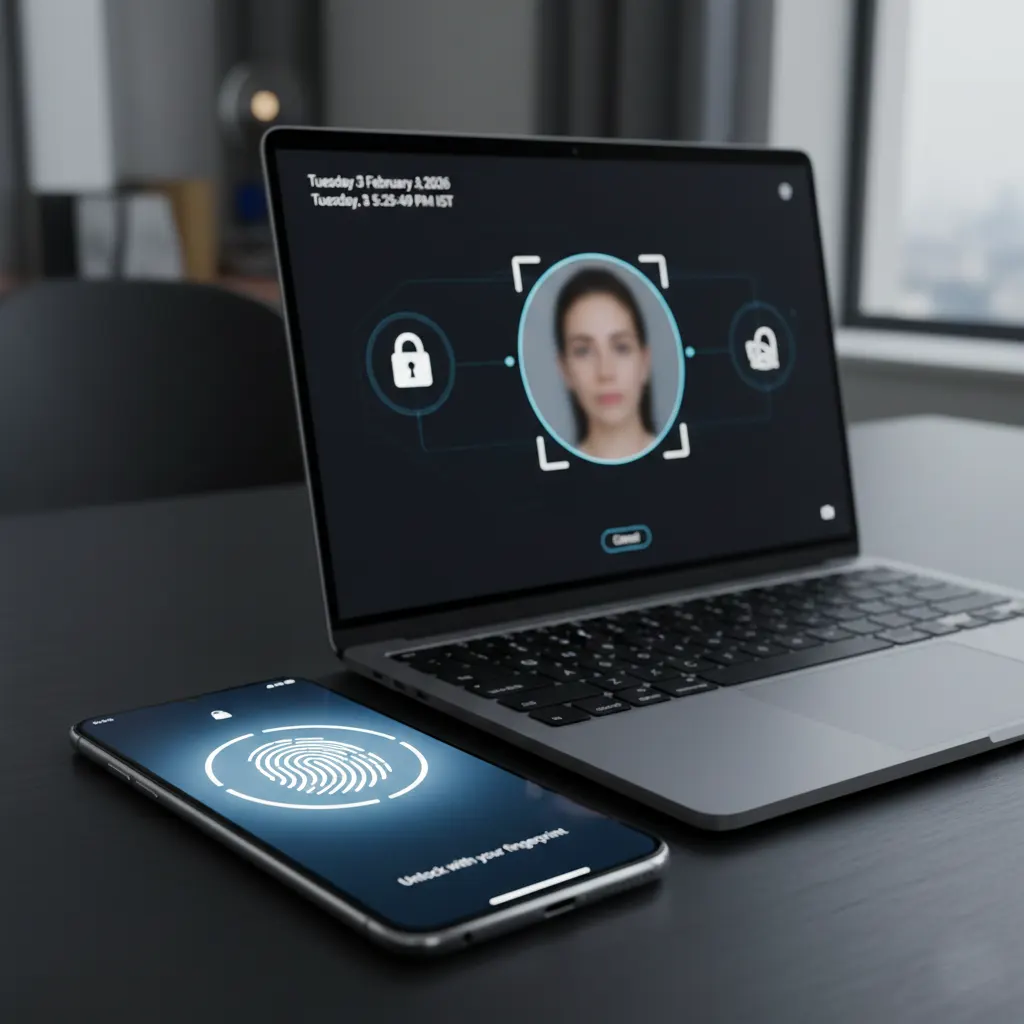
Modern operating systems like Windows 11, macOS, and ChromeOS now support passkeys natively. Hardware security modules and built-in biometric sensors ensure keys never leave your device.
Microsoft outlines this transition in its official Windows passkey documentation.
What Happens If You Lose Your Device?
This is one of the most common concerns. Passkey ecosystems rely on secure cloud recovery tied to your identity — not your password.
For example:
- Apple uses iCloud Keychain recovery
- Google relies on account-based verification
- Microsoft integrates with Windows Hello and account recovery tools
Security experts recommend enabling multi-device passkey syncing and maintaining at least one secondary recovery method.

Who Should Switch to Passkeys Right Now?
In 2026, passkeys are especially recommended for:
- Users managing financial, health, or work accounts
- Remote workers and freelancers
- Anyone targeted by phishing or credential theft
As biometric systems expand across governments and enterprises, passwordless security is no longer optional — it’s becoming the baseline.
The shift beyond passwords is accelerating. With enterprise-grade biometric systems and consumer-friendly passkeys now working together, 2026 marks a turning point in personal cybersecurity.
Setting up passkeys today not only protects your data — it future-proofs your digital identity.
#Passkeys #PasswordlessSecurity #CyberSecurity2026 #BiometricLogin #DigitalSecurity #OnlinePrivacy #TechGuides