

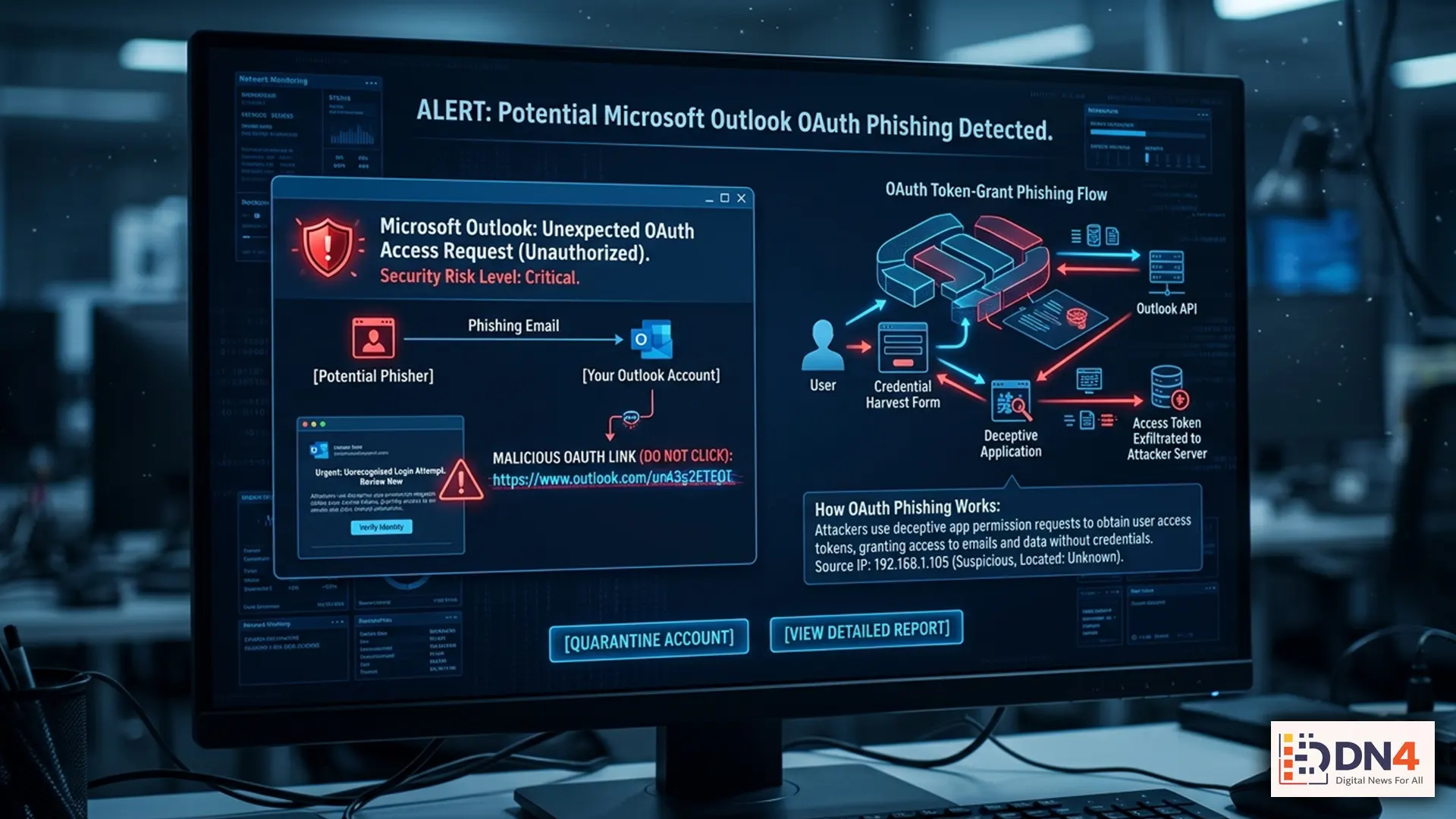
Cybersecurity experts are warning Microsoft 365 users about a dangerous new phishing tactic that bypasses traditional password theft methods. Instead of stealing login credentials directly, attackers are increasingly using fraudulent OAuth applications to gain access to Outlook accounts, cloud files, and sensitive business data.
The scam is spreading rapidly across corporate networks, educational institutions, and small businesses that rely heavily on Microsoft 365 and Outlook for daily communication.
What Is an OAuth Scam?
OAuth is a widely used authorization system that allows users to log into apps and websites using existing accounts like Microsoft, Google, or Facebook without sharing passwords directly.
For example, when an app asks permission to “access your email” or “view your profile,” OAuth handles that approval process.
Cybercriminals are now exploiting this trusted system by creating fake applications that appear legitimate. Once users approve access, attackers can gain long-term permissions to emails, contacts, calendars, and cloud storage — often without needing the actual password.
According to security researchers at Microsoft Security, these attacks are especially dangerous because they can bypass multi-factor authentication (MFA) protections in some scenarios.

How the Scam Works
The attack usually begins with a convincing phishing email designed to look like a legitimate Microsoft notification.
Victims may see messages claiming:
- Suspicious login activity was detected
- A document needs urgent review
- An account verification is required
- A shared file is waiting for approval
Instead of directing users to a fake login page, the email redirects them to an authentic Microsoft permissions screen requesting OAuth access.
Because the login page itself may be genuine, many users mistakenly trust the request.
Why Businesses Are Concerned
Cybersecurity analysts at CISA and CrowdStrike warn that OAuth-based attacks are becoming increasingly common in corporate espionage, ransomware operations, and financial fraud.
Once attackers gain account access, they can:
- Read confidential emails
- Monitor internal communications
- Reset passwords on connected services
- Launch attacks against coworkers
- Steal financial or customer information
Because OAuth permissions can remain active for extended periods, compromised accounts may go unnoticed for weeks or even months.

How to Protect Your Microsoft 365 Account
Security experts recommend several steps to reduce the risk of OAuth phishing attacks:
- Review connected apps regularly
- Remove suspicious OAuth permissions immediately
- Enable multi-factor authentication
- Train employees to recognize permission-based phishing
- Use advanced endpoint protection tools
Microsoft users can review active app permissions through the Microsoft Account Privacy Dashboard.
The Bigger Cybersecurity Trend
The rise of OAuth scams highlights a major shift in cybercrime tactics. Instead of targeting passwords alone, attackers are increasingly exploiting trust-based systems built into cloud platforms and enterprise software.
As businesses continue migrating to cloud-based productivity tools, cybersecurity experts believe permission-based attacks could become one of the most significant digital threats of the next decade.
For Outlook and Microsoft 365 users, the message is simple: even secure-looking permission requests deserve careful scrutiny.
#CyberSecurity #Microsoft365 #OAuth #Phishing #OutlookSecurity #CloudSecurity #CyberCrime #DataProtection