


Apple’s annual iPhone software cycle is once again putting users on alert. The upcoming iOS release is expected to bring a combination of new features, interface refinements, performance improvements and security updates. For iPhone owners, however, one question matters just as much as the feature list: Will my device support it?
A More Refined iPhone Experience
Apple typically uses major iOS releases to introduce headline features alongside dozens of smaller improvements. Recent versions have increasingly focused on customization, intelligence features, privacy, communication and tighter integration across Apple’s ecosystem.
Users should therefore expect the next release to be more than a cosmetic refresh. Apple’s official iOS information demonstrates how major releases can combine redesigned experiences with practical changes throughout the operating system.
Artificial Intelligence Remains Central
Apple Intelligence has become an increasingly important part of Apple’s software strategy. Features involving writing assistance, image generation, summaries and Siri improvements are designed to make everyday interactions more contextual and automated.
However, AI availability can vary according to device, language and region. Apple’s Apple Intelligence overview explains that compatible hardware is required for supported features.
Which iPhones Are Likely to Make the Cut?
Compatibility is always one of the biggest questions surrounding a new iOS version. Apple has historically supported iPhones for several years, but newer computationally demanding features can require newer processors.
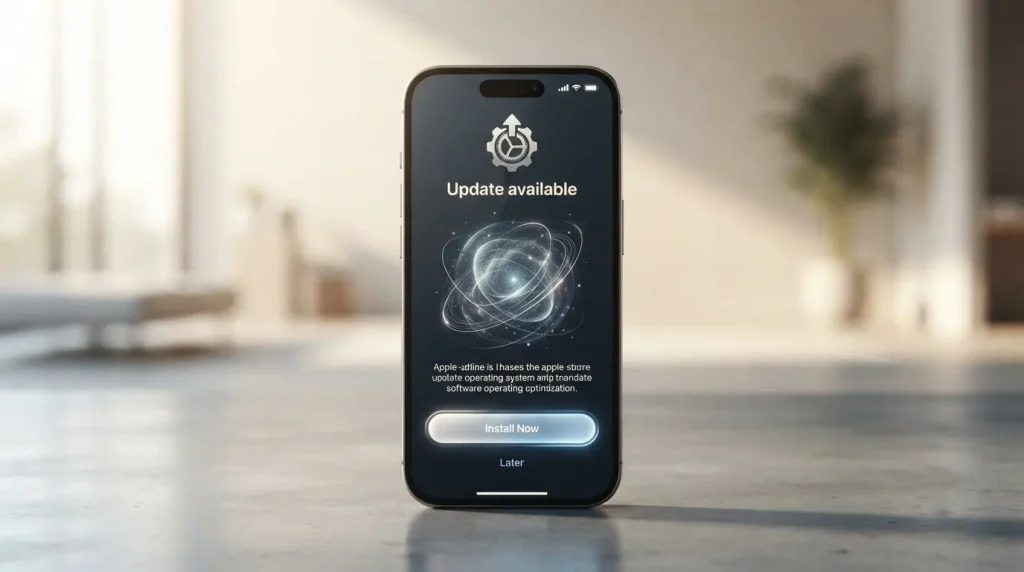
Rather than assuming that every compatible iPhone receives every feature, users should check Apple’s official compatibility information when the final release is announced. Apple’s iPhone software-update guide explains how users can check for and install available updates.

Security Could Be the Biggest Reason to Upgrade
New features generate headlines, but security updates are arguably more important for everyday users. iOS releases regularly address vulnerabilities affecting browsers, system components, applications and connectivity.
The Apple security releases page provides details about security fixes across Apple’s operating systems. Keeping an eligible iPhone updated can therefore provide meaningful protection even when the newest features are not particularly exciting.
What Users Should Do Before Updating
Before installing a major iOS update, users should back up important information, ensure sufficient storage and connect the device to a reliable power source. Apple’s iPhone backup guidance provides official instructions for protecting personal data.
The countdown to a new iOS version is ultimately about more than getting the latest interface. It is about extending the useful life of compatible hardware while gaining improved security, performance and functionality. Once Apple confirms the final release details and device list, checking compatibility before upgrading will remain the smartest first step.
#iOS #iOSUpdate #Apple #iPhone #iOSRelease #AppleNews #iPhoneUpdate #AppleIntelligence #TechNews #iOSFeatures #iPhoneUsers #MobileTechnology