

 By Vinod Ram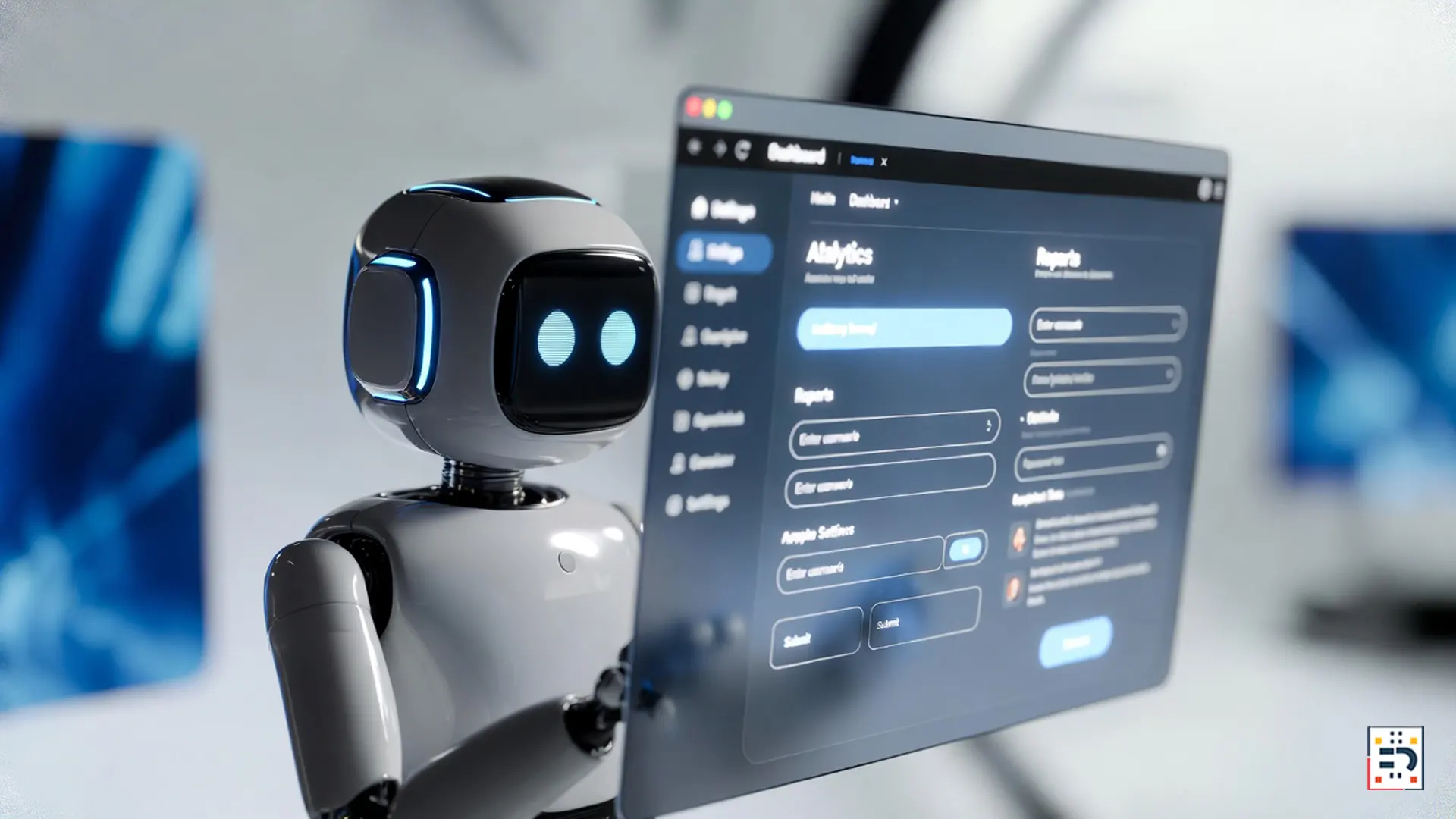
OpenAI has officially entered the era of agentic AI with the launch of Operator — a system designed to browse the web, interact with websites, and complete real-world tasks on your behalf. If you’ve been wondering whether AI can truly book flights, order groceries, or fill out forms without human input, this OpenAI Operator guide breaks down exactly how it works and how to use it.
This is not just another chatbot upgrade. Operator represents a shift toward AI that acts, not just answers.
What Is OpenAI Operator?
OpenAI Operator is an AI agent capable of navigating websites, clicking buttons, entering information, and completing multi-step tasks in a browser-like environment. According to OpenAI, the goal is to reduce friction in everyday digital tasks by allowing AI to handle routine workflows.
Unlike traditional assistants that rely on APIs alone, Operator can visually interpret web pages — similar to how a human user would.

What Can Operator Actually Do?
Operator’s capabilities go beyond answering questions. Some of the most talked-about use cases include:
- Booking flights and hotels on travel sites
- Ordering groceries from online retailers
- Filling out forms and submitting applications
- Comparing prices across multiple websites
Early demos shared by The Verge show Operator navigating complex checkout flows — something that previously required human oversight.
How Operator Browses the Web
Operator works by combining large language models with visual understanding and action planning. It can “see” a webpage, interpret buttons and fields, and decide what to click next.
This approach builds on research in autonomous agents highlighted by MIT Technology Review, which notes that browser-based agents are one of the fastest-growing areas in AI development.
How to Use OpenAI Operator (Step-by-Step)
While availability may depend on your region and subscription tier, the general workflow looks like this:
- Access Operator through your OpenAI account interface
- Describe the task (e.g., “Book the cheapest nonstop flight from NYC to LA next Friday”)
- Review actions before final confirmation
- Approve completion once Operator finishes the task
Security safeguards are designed to keep users in control, especially when payments or personal data are involved.
Can Operator Really Buy Groceries?
Yes — with supervision. Operator can navigate major online retailers, search for items, add them to a cart, and proceed to checkout. Coverage from CNBC Technology notes that AI-driven shopping assistants are expected to become mainstream by 2026.
Final purchase approval typically remains with the user, reducing the risk of unintended orders.

What Makes Operator Different from Previous AI Assistants?
Traditional assistants rely heavily on integrations and structured APIs. Operator’s browser-first design allows it to work with almost any website, even those without official AI integrations.
Industry analysts at Gartner describe this shift as a move toward “digital employees” capable of executing end-to-end tasks.
Risks and Limitations to Know
While powerful, Operator isn’t perfect. Potential challenges include:
- Website layout changes breaking workflows
- Limited handling of CAPTCHAs and advanced verification
- Ongoing privacy and security concerns
OpenAI has emphasized gradual rollout and user oversight to prevent misuse.
Operator signals a future where AI doesn’t just assist — it acts. As more tasks move online, tools like Operator could redefine productivity, digital labor, and how people interact with the web.
For users willing to learn its limits and strengths, this OpenAI Operator guide may be the first step toward a hands-free digital life.
#OpenAIOperator #AIAgents #AIProductivity #AutomationTools #FutureOfAI #TechHowTo #AI2026