

 By Vinod Ram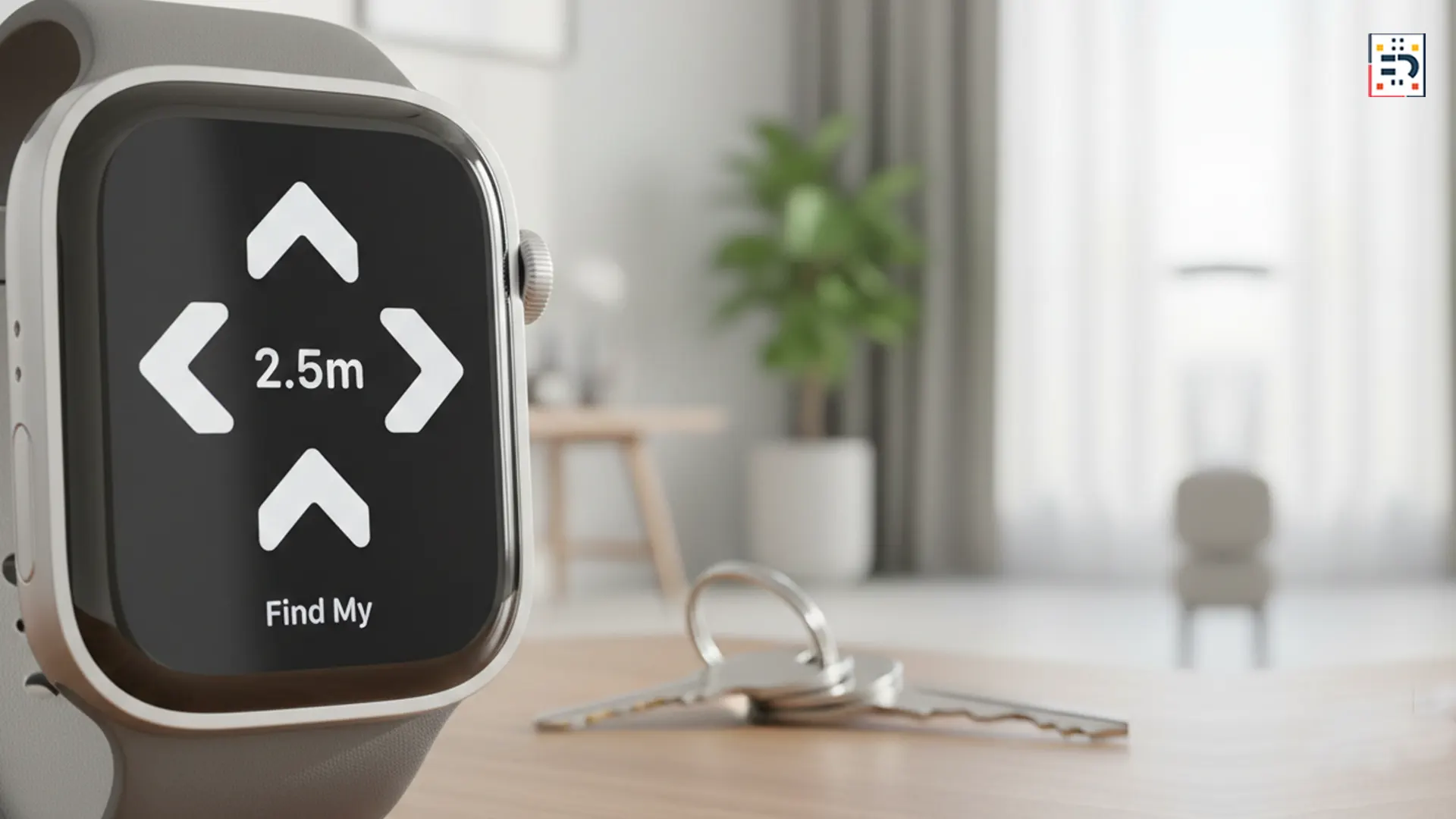
Losing your keys no longer requires hunting for your iPhone. With the arrival of AirTag 2 and enhanced Precision Finding on the Apple Watch Series 9 and Apple Watch Ultra 2, Apple has quietly solved one of daily life’s most annoying problems.
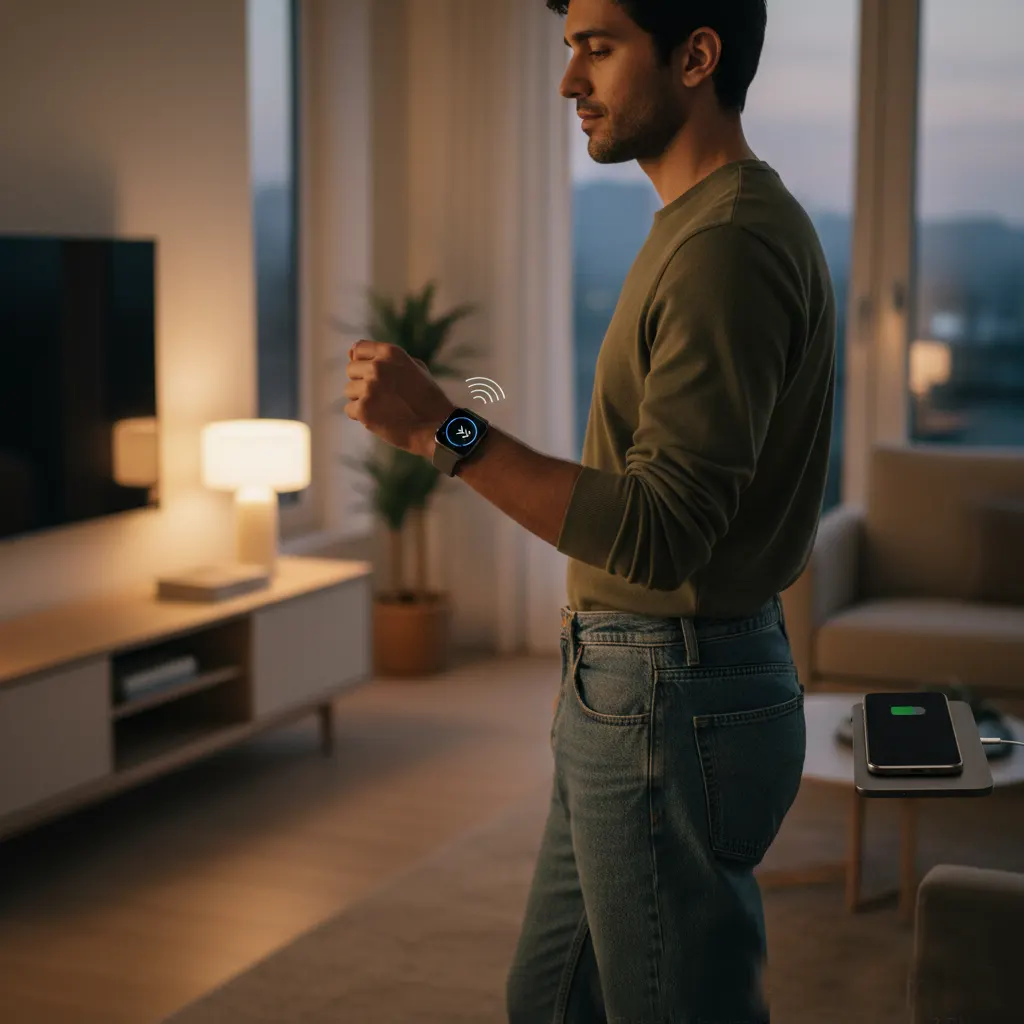
You can now locate your keys directly from your wrist—even if your phone is charging in the other room.
Why Finding Keys Has Always Been a Pain
Before this update, using an Apple AirTag usually meant grabbing your iPhone and opening the Find My app.
That worked well—unless your phone wasn’t nearby. For people who often leave their iPhone on a desk, couch, or charger, the system added friction to an otherwise simple task.
Apple’s latest hardware finally removes that dependency.
What Changed With AirTag 2
AirTag 2 builds on Apple’s Ultra Wideband (UWB) technology, offering improved range, accuracy, and responsiveness.
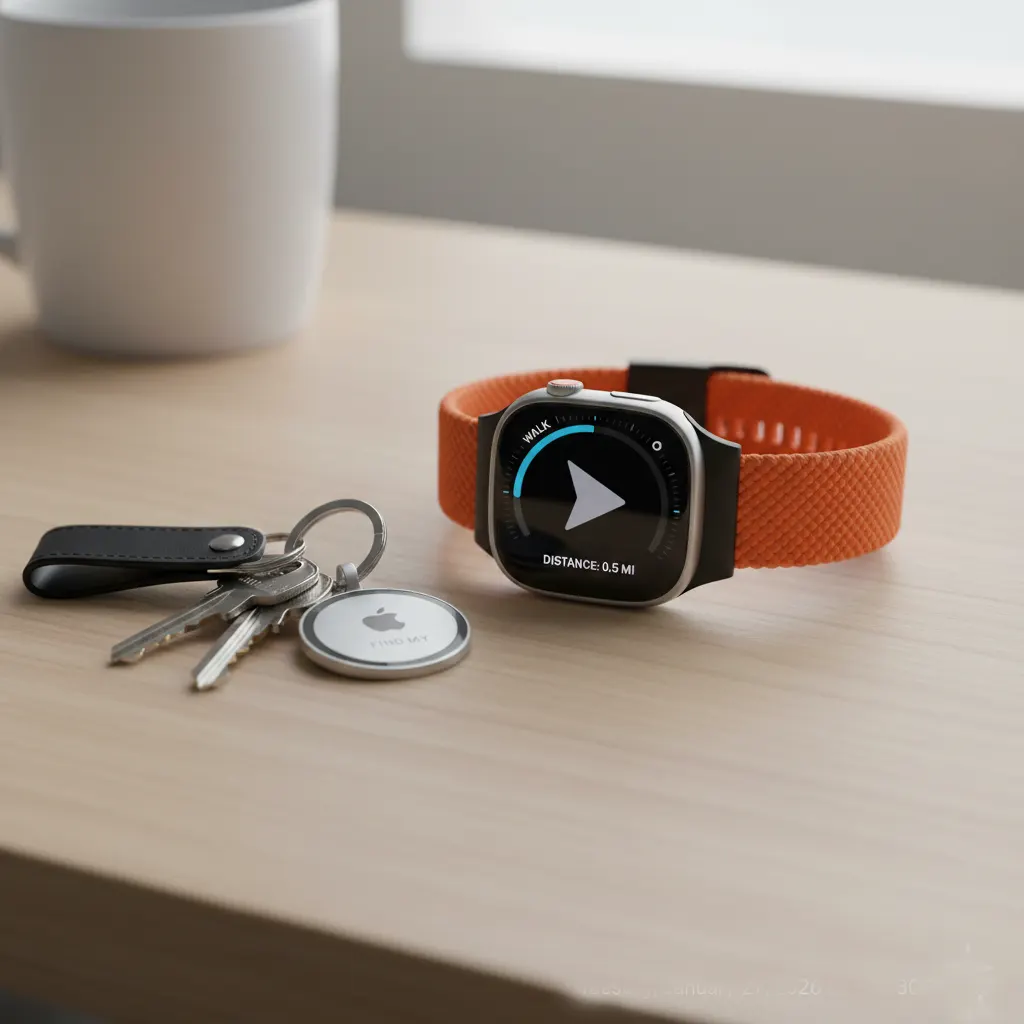
According to Apple’s documentation on Find My, the second-generation AirTag delivers more precise directional guidance and faster location updates.
Most importantly, it now works seamlessly with newer Apple Watch models.
Which Apple Watches Support Precision Finding
Not all Apple Watches support full Precision Finding.
You’ll need one of the following:
These models include Apple’s second-generation Ultra Wideband chip, which enables directional arrows, distance readouts, and haptic feedback.
How Precision Finding Works on Apple Watch
Once your keys have an AirTag 2 attached, the process is simple:
- Open the Find My app on your Apple Watch
- Select your AirTagged keys
- Tap Find Nearby
Your watch displays arrows, distance measurements, and subtle vibrations that guide you toward your keys.
You don’t need your iPhone nearby. The Apple Watch handles the entire experience on its own.
Why This Is a Game-Changer
This feature solves a very specific—but very common—problem.
Many people don’t carry their phone constantly at home. The Apple Watch is often closer than the iPhone, making it the more natural device for quick tasks.
By enabling Precision Finding on the watch, Apple turns it into a true standalone utility device, not just a phone accessory.
Tech reviewers at The Verge and MacRumors have highlighted this shift as one of the most practical Apple Watch upgrades in years.
Everyday Scenarios Where It Shines
Precision Finding on Apple Watch is especially useful when:
- Your phone is charging in another room
- You’re in a hurry and don’t want distractions
- You misplace keys in tight or cluttered spaces
- You want hands-free, glanceable guidance
The subtle haptics make it easy to follow directions without even looking at the screen.
Privacy and Battery Considerations
Apple emphasizes that Find My data remains end-to-end encrypted.
Precision Finding calculations happen locally, and AirTag battery life remains measured in months, not days.
Using the feature occasionally has minimal impact on Apple Watch battery life.
Using Apple Watch to find your keys is one of those upgrades that feels small—until you rely on it.
By combining AirTag 2 with Precision Finding on Series 9 and Ultra 2, Apple has removed a long-standing annoyance from daily life.
If you’re someone who often leaves your phone behind, this feature alone makes the newest Apple Watch models feel like a meaningful step forward.
#AppleWatch #AirTag2 #PrecisionFinding #SmartTech #EverydayTech #AppleEcosystem #WearableTech