

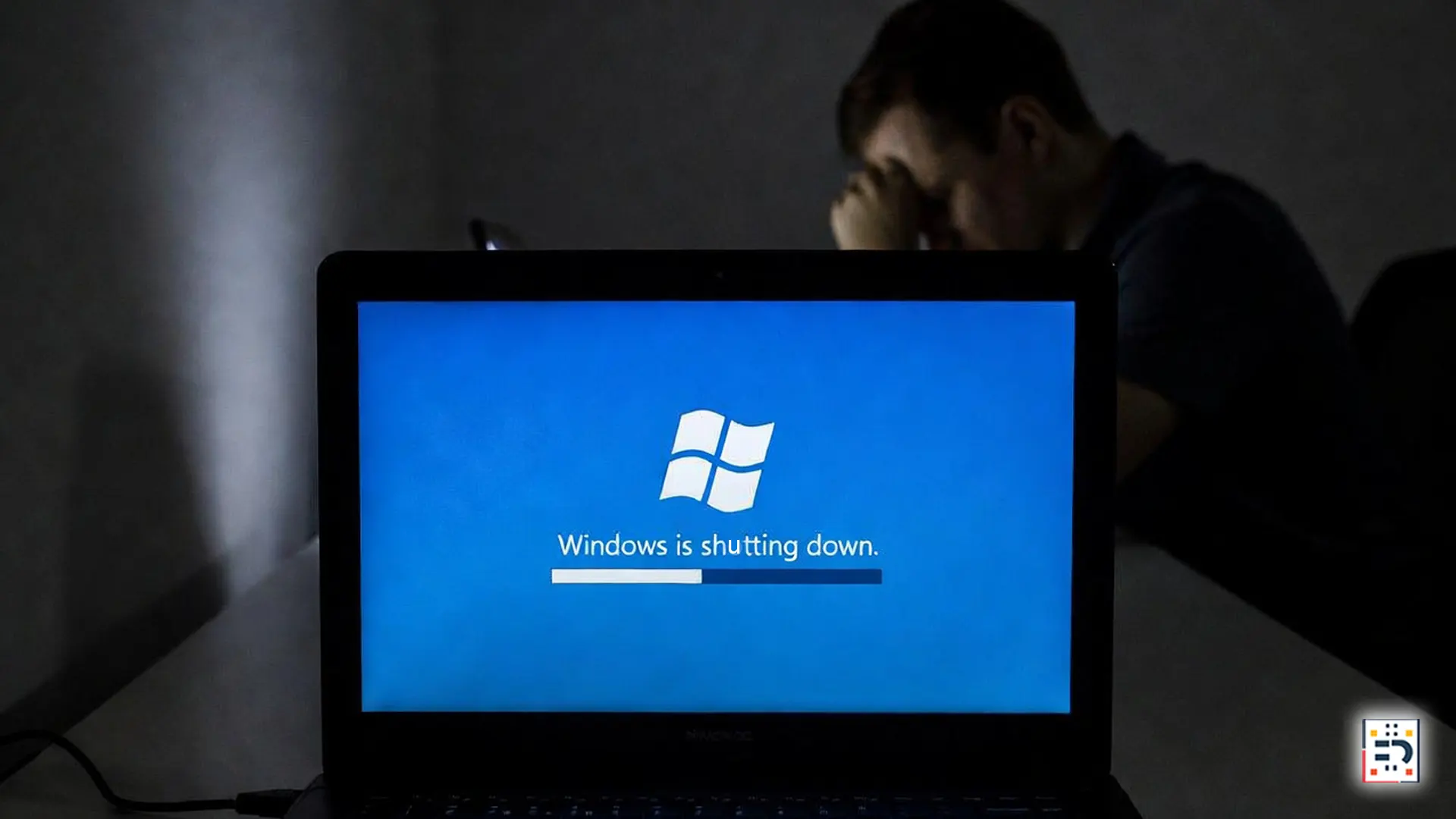
Microsoft’s first major security update of 2026 has caused an unexpected headache for IT teams worldwide.
Released last Tuesday, the update introduced a widespread bug that prevents some Windows 11 Enterprise and IoT devices from properly shutting down or entering hibernation — a problem quickly dubbed the “Eternal PC” glitch by frustrated users.
Following mounting reports, Microsoft released an emergency out-of-band patch today to address the issue. Here’s what happened, who’s affected, and how to apply the fix.
What Is the “Eternal PC” Glitch?
The issue appeared after the latest cumulative security update for Windows 11, part of Microsoft’s regular effort to harden systems against emerging threats.
Affected devices fail to complete shutdown or hibernation requests, instead:
- Hanging indefinitely on shutdown screens
- Restarting instead of powering off
- Ignoring sleep or hibernation commands
While the bug does not appear to cause data loss, it creates serious operational issues — especially in managed and industrial environments.
Who Is Affected?
According to Microsoft’s advisory via the Windows Release Health dashboard, the bug primarily impacts:
- Windows 11 Enterprise editions
- Windows 11 IoT Enterprise devices
- Systems managed through Microsoft Intune
- Devices using advanced power management policies
Most consumer versions of Windows 11 Home and Pro appear unaffected.

What Caused the Bug?
Microsoft has not published a full technical breakdown, but early analysis suggests the issue is tied to changes in low-level power management components introduced as part of the security update.
These components are critical in environments that rely on:
- Remote device management
- Automated shutdown schedules
- Energy-saving policies
In enterprise and IoT deployments, even small changes can have outsized effects.
Microsoft’s Emergency “Out-of-Band” Fix Explained
To contain the issue, Microsoft released an out-of-band update — a patch issued outside the normal monthly update cycle.
Out-of-band updates are typically reserved for high-impact bugs or security vulnerabilities, underscoring the seriousness of the problem.
The patch is available through:
- Microsoft Update Catalog
- Enterprise update management tools
- Manual deployment by IT administrators
How to Install the Emergency Fix (Step-by-Step)
Option 1: Install via Windows Update (If Available)
- Open Settings
- Go to Windows Update
- Select Check for updates
- Install the latest out-of-band update if offered
- Restart the device
This option may not appear immediately on all enterprise-managed systems.
Option 2: Manual Installation (Recommended for IT Teams)
- Visit the Microsoft Update Catalog
- Search for the latest Windows 11 out-of-band update
- Download the version matching your system architecture
- Run the installer as an administrator
- Restart the device
Microsoft recommends validating the fix on test systems before broad deployment.

Temporary Workarounds (If You Can’t Patch Immediately)
For organizations unable to install the patch right away, Microsoft suggests temporary mitigations:
- Disable affected power policies
- Avoid scheduled shutdown scripts
- Use manual power-off as a short-term solution
These are stopgap measures and not a replacement for the official fix.
Why This Matters for Enterprise and IoT Systems
In enterprise and industrial environments, devices that can’t shut down properly risk:
- Increased power consumption
- Shortened hardware lifespan
- Security compliance issues
For IoT deployments, persistent uptime without control can disrupt automation pipelines and maintenance cycles.
Patch Fast, Then Monitor
The “Eternal PC” glitch is a reminder that even routine security updates can introduce unexpected side effects — especially in complex environments.
If your organization runs Windows 11 Enterprise or IoT systems, applying the emergency fix should be a top priority.
Once installed, IT teams are encouraged to monitor power behavior closely and keep an eye on updates from Microsoft’s official documentation.