

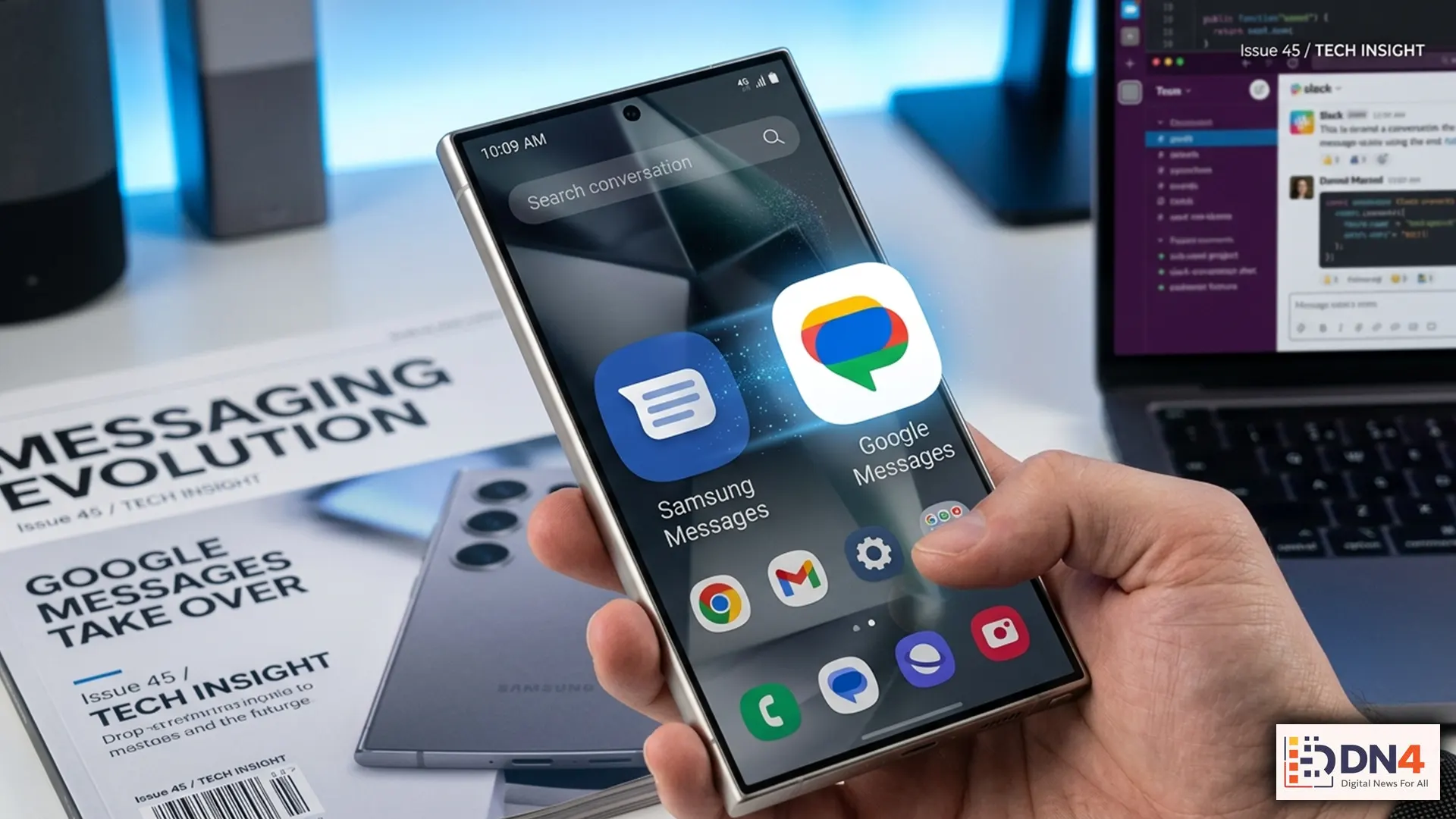
For millions of Galaxy users, texting is about to change. Samsung has officially confirmed that the Samsung Messages app will be discontinued in July 2026, pushing users toward Google Messages as the new default messaging experience.
For some users, that will feel like a simple app swap. For others, it feels like the end of a familiar part of the Samsung experience. Either way, the smart move is clear: switch before the deadline so you do not get caught scrambling when support ends.
Here is exactly what the July shutdown means, how to move over safely, and what Galaxy users should do now to avoid any messaging headaches later.
Why Samsung Messages Is Going Away
Samsung says the Samsung Messages application will be discontinued in July 2026 and recommends that users move to Google Messages for a “consistent messaging experience on Android.” Samsung also notes that the exact end date may appear inside the Samsung Messages app itself. Devices running Android 11 or lower are not affected. Source
The bigger reason is not hard to see. Google Messages has increasingly become Android’s flagship texting platform, especially as RCS messaging—the modern replacement for old-school SMS—becomes more important for media sharing, typing indicators, read receipts, and cross-platform messaging.
Will You Lose Your Text Messages?
The good news: probably not.
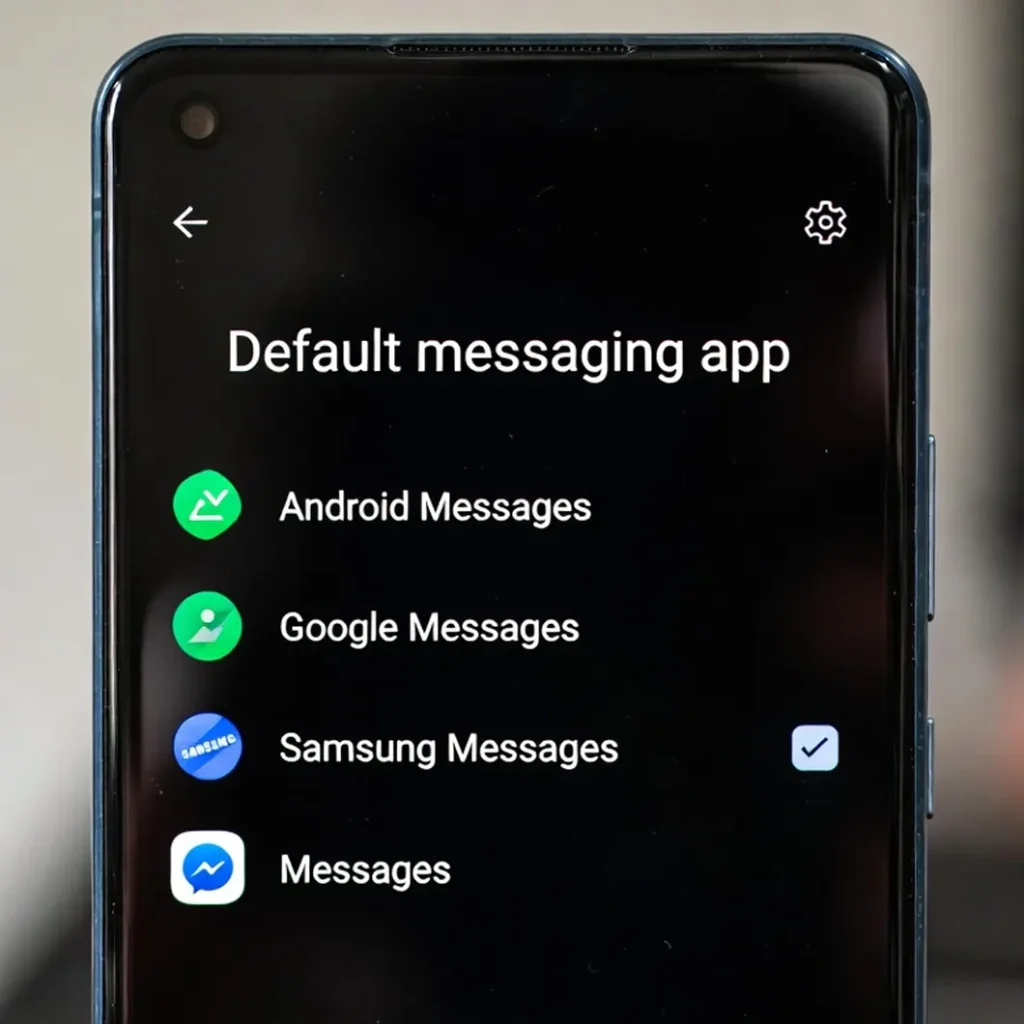
Samsung’s own support guidance says that all messages on your device should automatically appear in Google Messages once it is set as your default messaging app. In other words, this is more like changing the front door to your texts than moving houses. Source
Still, before making the switch, it is smart to back everything up.
How to Switch from Samsung Messages to Google Messages
Step 1: Install or Open Google Messages
If your Galaxy phone already has Google Messages preinstalled, you will usually find it in the Google folder. If not, download it from the Google Play Store.
Step 2: Set It as Your Default SMS App
When you first open Google Messages, it should prompt you to make it your default texting app.
- Tap Set default SMS app
- Select Google Messages
- Tap Set as default
You can also do this manually through your phone settings:
- Open Settings
- Tap Apps
- Tap Choose default apps
- Select SMS app
- Choose Google Messages
Samsung provides similar switching instructions in its support documentation. Source
Step 3: Check That Your Messages and Contacts Appear
Once Google Messages becomes the default, your conversation history should populate automatically. Open a few important chats and make sure your texts, contacts, and group threads look normal.
Step 4: Turn On RCS Features
If you want the more modern chat experience, enable RCS in Google Messages:
- Open Google Messages
- Tap your profile icon
- Go to Messages settings
- Tap RCS chats or related chat features
- Enable it if available
This gives you the upgraded Android messaging features many users actually want from the switch.
Important Things Samsung Users Should Know
Samsung’s support pages include a few important caveats:
- Older Galaxy devices released before 2022 may see temporary disruption in ongoing RCS chats during the switch
- SMS and MMS should still work even if RCS temporarily pauses
- Older Tizen-based Galaxy Watches may no longer show full message history after Samsung Messages is discontinued, though texting itself should still work
- On some devices, you may need to manually replace the Samsung Messages icon on your home screen or dock with Google Messages
Those details matter more than people think—especially if you rely on texting across a phone, watch, and tablet setup.
Should You Wait Until July?
Honestly, no.
The best time to switch is before the final shutdown window. That gives you time to:
- confirm your messages appear correctly
- adjust notification settings
- set up RCS and spam protection
- get used to the interface before it becomes mandatory
Waiting until the last minute is how minor tech changes turn into very annoying problems.
The end of Samsung Messages may feel like the closing of a small but familiar chapter for Galaxy users. But practically speaking, the transition is manageable—as long as you do it early.
If you switch now, back up first, and verify your chats after setup, the move to Google Messages should be more inconvenient than catastrophic.
#SamsungMessages #GoogleMessages #AndroidTips #GalaxyPhone #SamsungGalaxy #RCSChat #AndroidNews #TechTips #MobileTech #TextMessaging #GoogleAndroid