

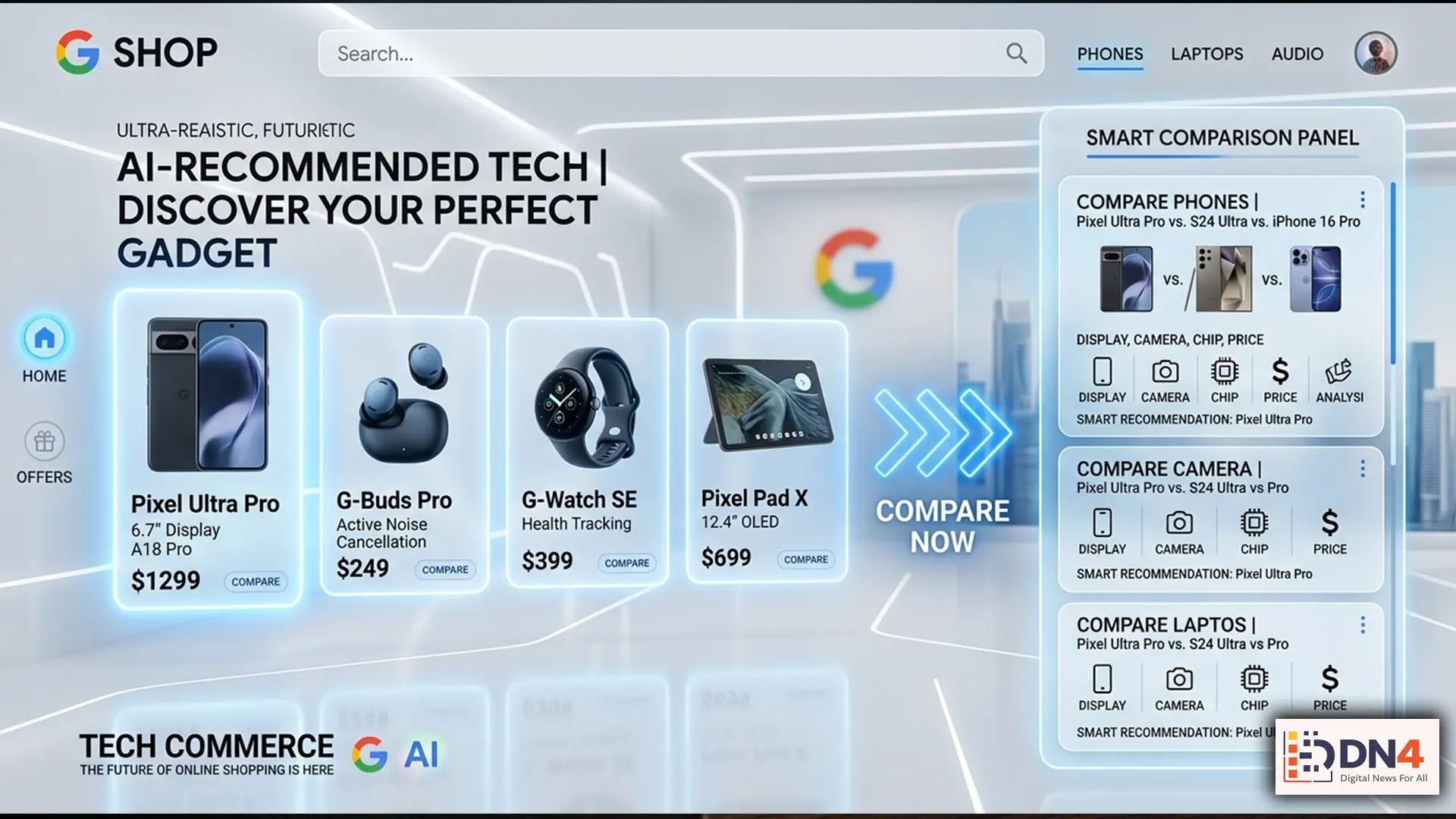
Online shopping is no longer just about typing a product into a search bar and scrolling endlessly through links. With the rise of AI-enhanced discovery tools, Google is increasingly trying to turn shopping into something more interactive, more predictive, and far more personalized.
That is where Google’s new AI-powered shopping interface comes in — a system designed to help users browse smarter, compare faster, and discover products in a way that feels more like talking to a digital shopping assistant than using a traditional search engine.
But while the interface may look sleek and intuitive, it can also feel overwhelming if you do not understand how to use it properly. And that matters because the people who learn how to navigate AI shopping tools early will likely make better buying decisions than those who simply click the first thing they see.
Here is how to actually use Google’s new shopping experience like a smarter consumer — not just a passive browser.
What Google’s AI Shopping Interface Is Really Trying to Do
At its core, Google’s AI shopping ecosystem is designed to reduce friction. Instead of forcing users to manually compare dozens of tabs, specifications, price points, and review pages, the system increasingly tries to organize that information for you.
That means the interface may now surface:
- Smarter product comparisons
- Context-aware recommendations
- Price tracking tools
- Visual product discovery
- Refined shopping suggestions based on intent, not just keywords
In other words, Google is not just trying to help you search for products. It is trying to help you decide.
Step 1: Start With Intent, Not Just Product Names
One of the biggest mistakes people make when using AI-powered shopping tools is searching too narrowly.
Instead of typing only “running shoes” or “wireless earbuds,” users can often get better results by being more descriptive about what they actually need.

For example, instead of:
- “Laptop”
Try something like:
- “Best lightweight laptop for students under $900”
Instead of:
- “Coffee maker”
Try:
- “Compact coffee maker for small kitchens with reusable filter”
The more clearly you define use case, budget, lifestyle, or feature priorities, the more useful Google’s AI suggestions tend to become.
Step 2: Use Comparison Features Before Clicking Buy
One of the most valuable parts of Google’s shopping experience is its ability to present multiple products side by side.
Rather than jumping immediately into a retailer listing, spend time comparing:
- Specs and feature differences
- Price ranges across sellers
- Review sentiment patterns
- Brand reputation and return expectations
This is especially useful when shopping for electronics, home appliances, fashion, and seasonal purchases where marketing language often hides meaningful differences.
A smarter buyer uses the AI interface not just to find products — but to eliminate weak options quickly.
Step 3: Watch for “Convenience Bias”
AI shopping interfaces are designed to reduce effort, but that convenience can sometimes create lazy decision-making.
Just because a product is surfaced prominently does not automatically mean it is the best choice. It may simply be the most commercially optimized, widely available, or algorithmically relevant result.
That is why shoppers should still ask basic critical questions:
- Is this actually the best-reviewed option?
- Is the discount real or just framed to look urgent?
- Are there hidden trade-offs in quality, compatibility, or warranty?
- Am I buying what I need — or what the interface made easiest to click?
AI can speed up discovery, but human judgment still matters.
Step 4: Let Visual Search Work for You
One of the most powerful parts of modern shopping interfaces is visual product discovery.
Whether you are trying to find a furniture style, outfit aesthetic, gadget form factor, or home décor match, Google increasingly allows users to shop with images and style cues rather than only text-based searches.
This can be especially helpful when:
- You know the look you want but not the product name
- You are trying to match an item to an existing style
- You are comparing design-focused products visually
In categories like fashion, interiors, and accessories, this may be where Google’s AI shopping tools feel most natural.

Step 5: Treat AI as a Shopping Assistant — Not an Authority
The smartest way to use Google’s AI shopping mall is to think of it as a first-pass assistant, not the final decision-maker.
It can help narrow the field, summarize options, and save time. But your best purchase decisions will still come from combining AI convenience with common-sense verification.
That means checking retailer trust, return policies, shipping expectations, and real customer feedback before committing.
AI can make shopping easier. It does not automatically make it wiser.
Google’s new AI-powered shopping interface represents a bigger shift than just a prettier search experience. It reflects a future where online buying becomes more conversational, predictive, and decision-oriented.
For shoppers, that can be a huge advantage — if they learn how to use it critically.
The real win is not letting AI shop for you. It is learning how to use AI to shop better than everyone else.
#GoogleAI #AIShopping #GoogleShopping #Ecommerce #RetailTech #ShoppingTips #TechGuide #OnlineShopping #ConsumerTech #digitalnewsforall